

Most WordPress problems don’t happen all at once.
They happen slowly—until one day your site is:
- hacked
- down
- painfully slow
- showing random errors
- or quietly losing rankings because performance tanked
If your website matters to your business (and especially if you want more traffic), WordPress maintenance isn’t optional. It’s the routine that keeps your site secure, fast, and reliable—and it protects the investment you’ve already made.
This guide gives you a practical maintenance system you can follow whether you manage your site in-house or outsource it.
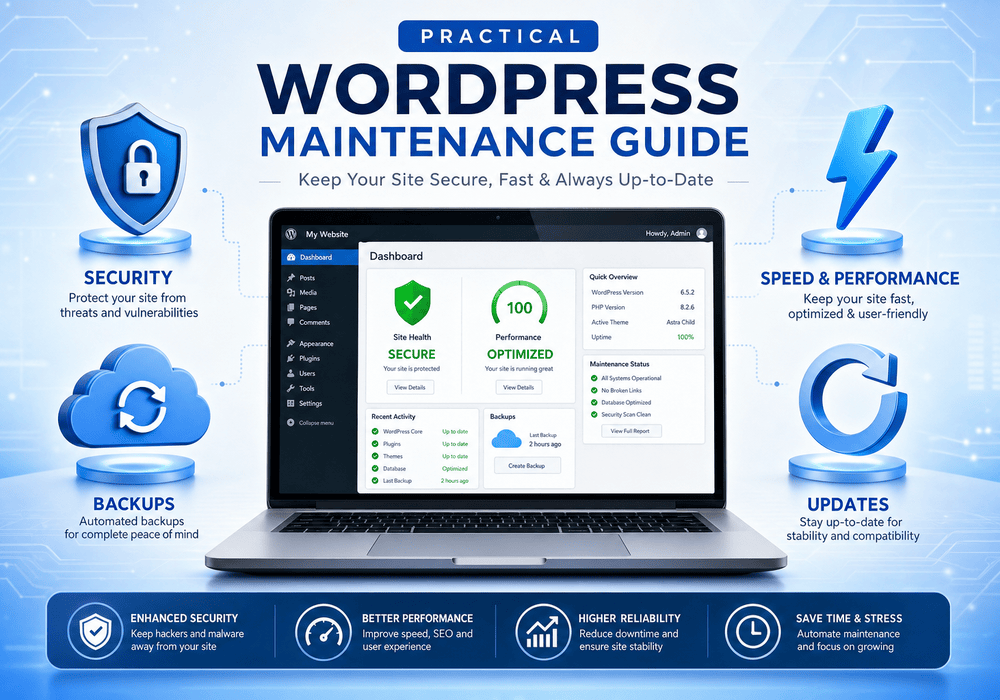
What “WordPress Maintenance” Actually Means
WordPress maintenance is the ongoing work that keeps your website:
- stable (no breakages after updates)
- secure (reduced risk of hacks/malware)
- fast (better conversions + better SEO)
- reliable (uptime + monitoring)
- ready to grow (content + technical health)
It’s not just “update plugins.” Done right, maintenance includes backups, security hardening, performance, monitoring, and periodic cleanup.
Why WordPress Maintenance Matters for SEO (Yes, Really)
Google doesn’t “reward” you for updating plugins—but it absolutely punishes the results of neglect:
- slow pages (worse rankings and conversions)
- poor mobile performance
- downtime
- hacked content or spam injections
- broken pages and crawl errors
A well-maintained site is easier for Google to crawl and easier for visitors to use—which helps you rank and convert more consistently.
The 4 Core Pillars of WordPress Maintenance
1) Updates (Core + Plugins + Theme)
Updates matter because they often include:
- security patches
- bug fixes
- performance improvements
- compatibility updates
What to update:
- WordPress core
- your theme (and child theme if used)
- plugins
Best practice: Don’t “auto-update everything blindly” on a business website. Test and update with a process (especially if you use a page builder like Divi).
2) Backups (Your Insurance Policy)
Backups are not “nice to have.” They’re the difference between:
- a 20-minute restore
and - a multi-day disaster
Minimum backup standard (business sites):
- daily backups (files + database)
- off-site storage (not only on your hosting server)
- 30 days retention (or more if your content changes often)
Bonus: Keep at least one monthly backup stored long-term.
3) Security (Hardening + Monitoring)
Most WordPress hacks come from:
- outdated plugins/themes
- weak passwords
- exposed admin pages
- insecure hosting environments
Basic security hardening checklist:
- strong passwords + unique logins
- enforce 2FA (two-factor authentication)
- limit login attempts
- change default admin username
- secure wp-admin (and consider IP restrictions if appropriate)
- remove unused plugins/themes
- keep PHP version current (where possible)
- use a quality security plugin + firewall (or hosting firewall)
Monitoring matters too:
- malware scanning
- uptime monitoring
- suspicious activity alerts
4) Speed + Performance (Conversions + Rankings)
Speed is one of the most common reasons WordPress sites underperform.
The biggest speed killers:
- huge images
- too many plugins
- heavy scripts (chat widgets, tracking overload)
- poor hosting
- bloated page builder layouts
Core speed improvements:
- compress + resize images (and use modern formats when possible)
- caching (page cache + browser cache)
- database cleanup (revisions, transients, overhead)
- lazy load images where appropriate
- reduce unused plugins/scripts
- use a CDN if helpful (especially for media-heavy sites)
If your site is slow on mobile, you’re losing leads—even if you’re ranking.
WordPress Maintenance Schedule (Simple + Realistic)
Weekly (15–30 minutes)
- Check for plugin/theme/core updates
- Review site front-end quickly (homepage, a service page, contact form)
- Check security alerts
- Check uptime status
Monthly (30–90 minutes)
- Run updates with a safe workflow (see below)
- Verify backups are working (spot-check restore capability)
- Run a security scan
- Check broken links / 404s (basic)
- Review site speed (quick checks)
- Clean up database (revisions, transients, spam comments)
Quarterly (1–2 hours)
- Audit plugins (remove anything unused)
- Review forms + lead tracking (make sure conversions are recorded)
- Review SEO health (Search Console errors)
- Review hosting performance and resource usage
Annually
- Theme/plugin strategy review (are you carrying dead weight?)
- Refresh core pages and CTAs
- Consider a performance overhaul if traffic has grown
The Safe Update Workflow (Don’t Skip This)
Most WordPress horror stories start with: “I updated plugins and the site broke.”
Here’s the safe method:
- Backup first (confirm it exists)
- Update plugins in batches (not all at once)
- Check key pages after each batch
- homepage
- a service page
- contact form
- Update the theme (if applicable)
- Update WordPress core
- Clear cache and retest
- Fix issues immediately or roll back
If your site is revenue-critical, a staging environment is even better.
Signs Your WordPress Site Needs Maintenance (Right Now)
If any of these are true, maintenance is overdue:
- your site feels slow on phones
- you haven’t updated plugins in 60+ days
- you have plugins you don’t recognize
- you get spam form submissions daily
- your site randomly shows errors
- you can’t remember the last backup
- your hosting is cheap and overloaded
- Google Search Console shows rising errors
WordPress Maintenance Checklist (Screenshot This)
Updates
- Core updated safely
- Plugins updated (unused removed)
- Theme updated
- Forms tested after updates
Backups
- Daily backups running
- Off-site storage confirmed
- Restore test verified
Security
- 2FA enabled
- Limit login attempts
- Security scans active
- Firewall/WAF in place
Performance
- Images optimized
- Caching configured
- Database cleaned monthly
- Speed tested quarterly
If you want WordPress maintenance handled professionally (updates, backups, security, speed, and monitoring), we can set it up so your site stays fast, secure, and ready to rank.